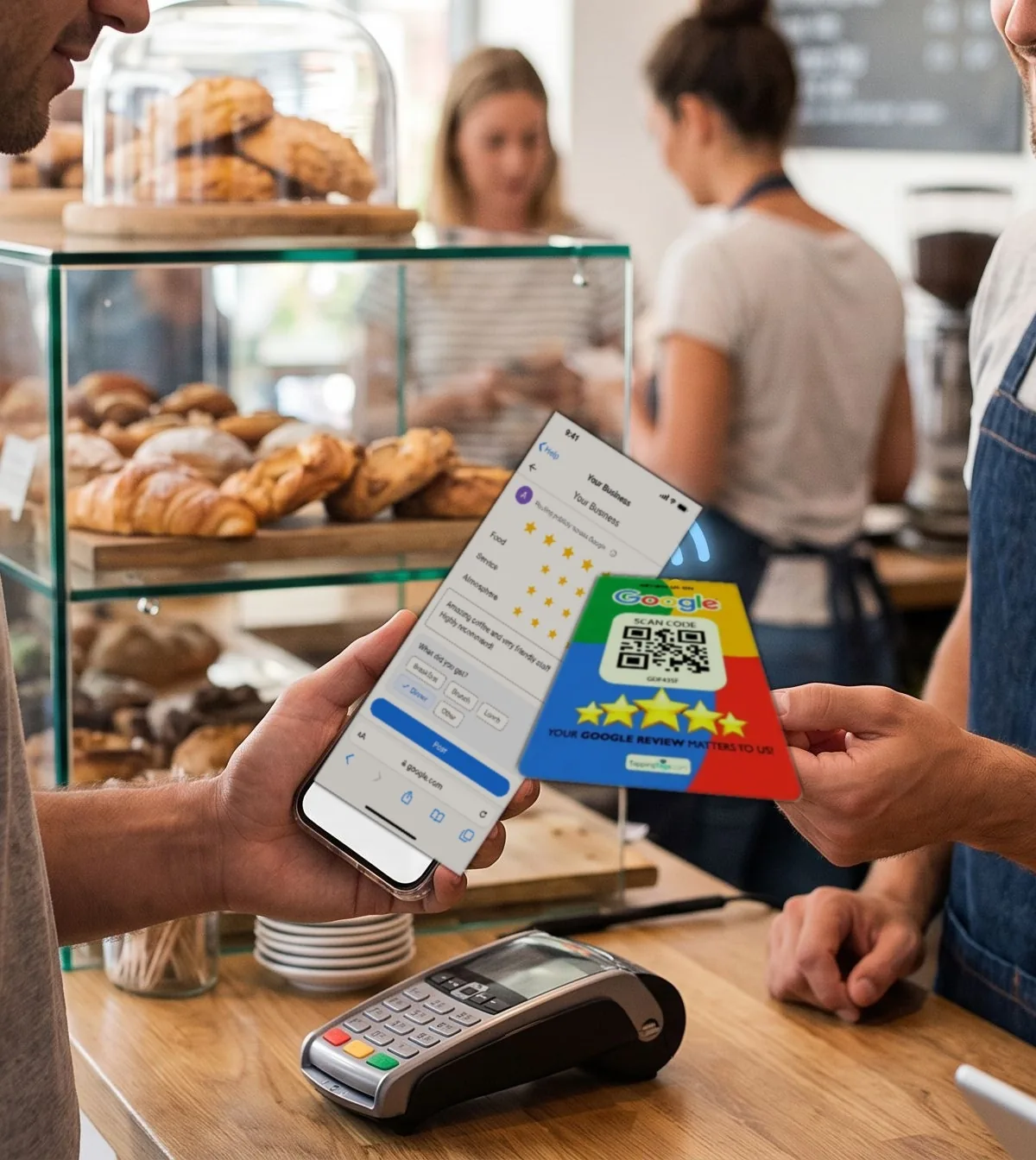
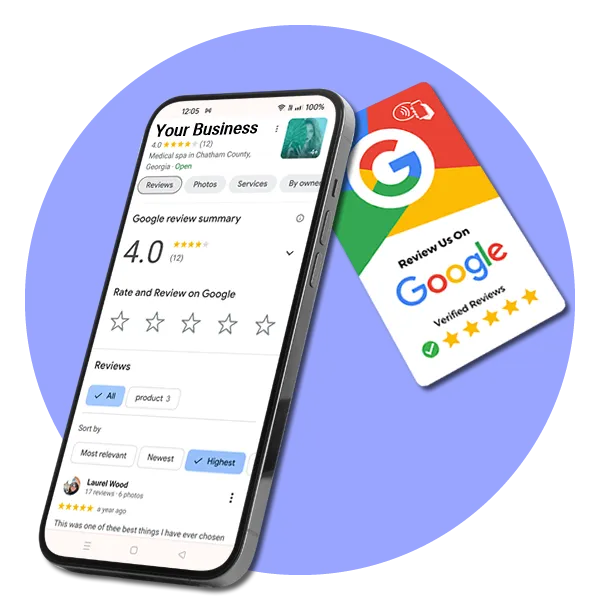
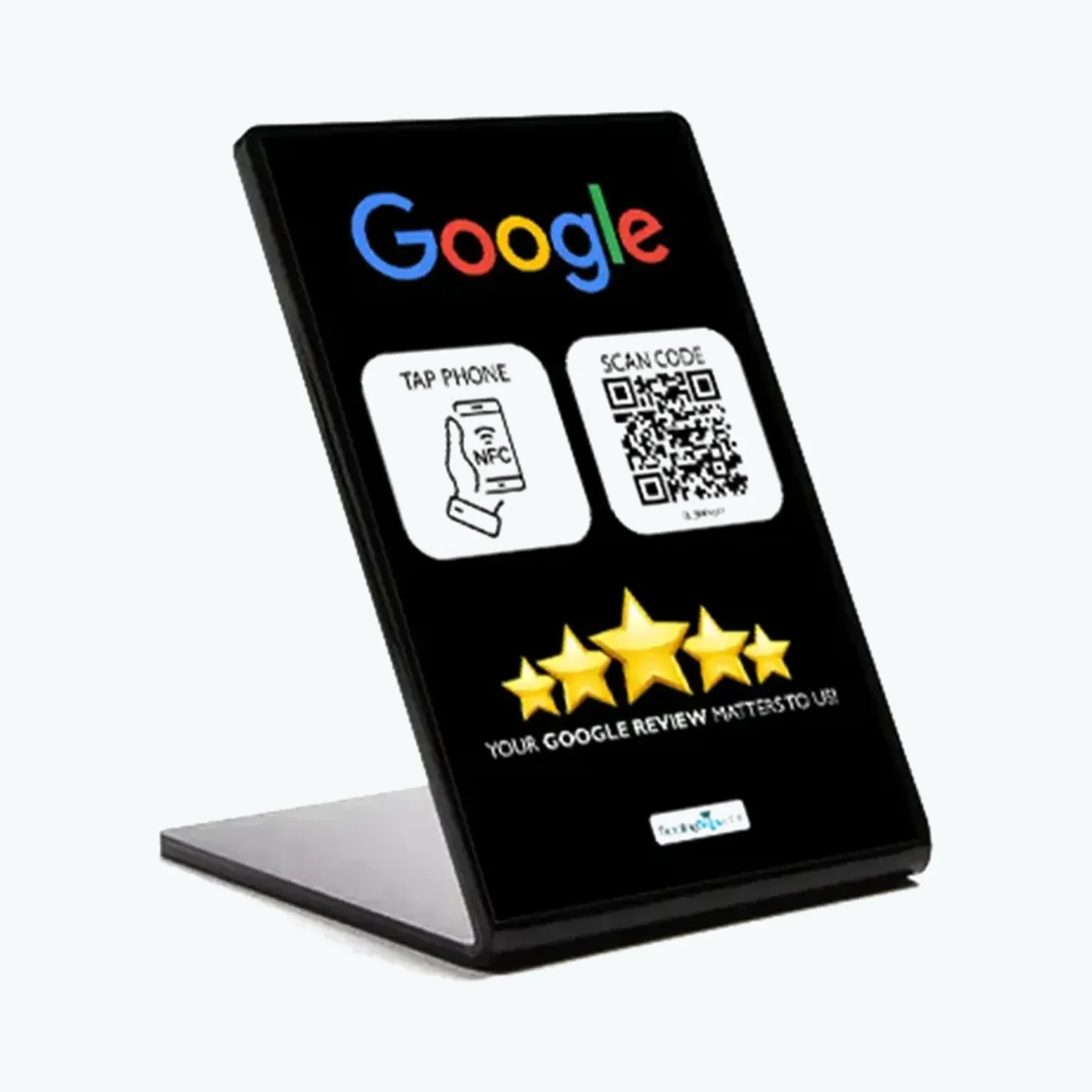
The illustrated flow shows one way a customer could draft a response. They choose, edit and approve their own words before anything is posted.
Nothing posts without the customer’s approval.
01
Tap or scan
The card opens the business’s review experience on the customer’s phone.
02
Choose and make it yours
Start with an AI suggestion, choose another, or edit the wording to match your experience.
9:41● ● ●
AI-generated exampleCustomer edits or chooses before posting.
Make it yours
Choose a rating
Friendly service and a smooth experience from start to finish. I would recommend this business.
Suggested alternatives
Brief, specific and useful.
Friendly team and great service.
Review and continue
03
Review, approve, post
The customer approves the wording before completing the final post.
Posted by customer
Their words, reviewed and approved
Illustrative interface. AI offers a starting point. Customers choose or edit the words and approve them before posting.
Reputation at decision time
The future runs on reviews.
Search and maps place local businesses side by side. When the options look similar, recent customer experiences help people decide which business feels worth calling, booking or visiting.
Why reviews keep gaining importance
Reputation is part of the shortlist.
Word of mouth now travels with the customer. A visible history of genuine experiences gives people useful context while they compare nearby choices.
SearchGet discovered
A nearby customer finds the available options.
CompareBuild the shortlist
Customer experiences make each choice easier to understand.
ChooseReduce uncertainty
A credible reputation helps the right business stand out.
Built for the owner’s time
Configure the destination. Keep the route available.
Place the card where a good customer experience ends. It stays ready while the owner gets back to running the business.
At the point of servicePlace the product where customers can reach it.
Customer-led responseA tap or scan opens the configured route; the customer chooses whether to continue.
Reusable physical formatThe same product can remain available for later customers.
Ready whenever service endsThe owner sets it up once, and the review path keeps working.
Choose the format that fits the counter
One review path. Three physical formats.
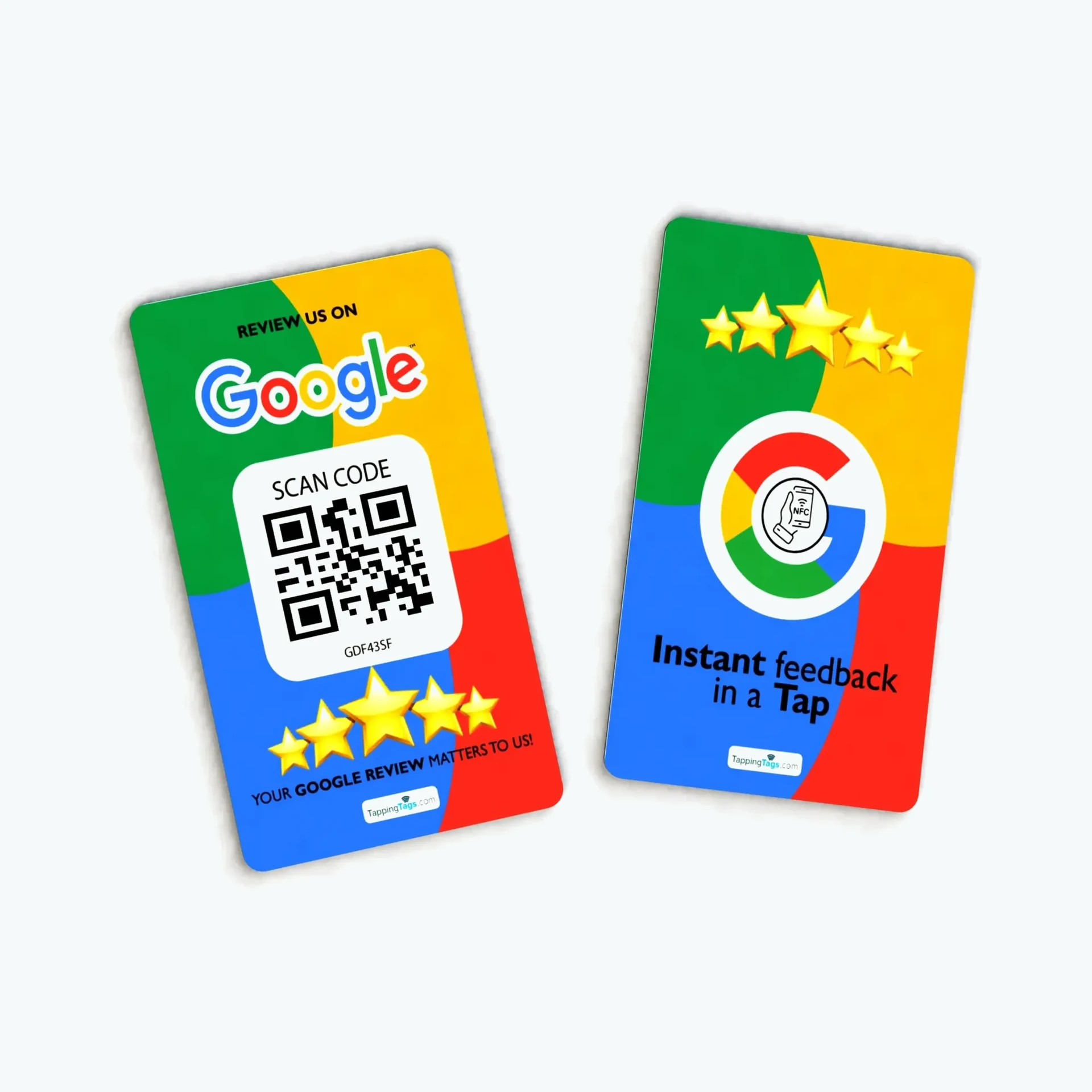
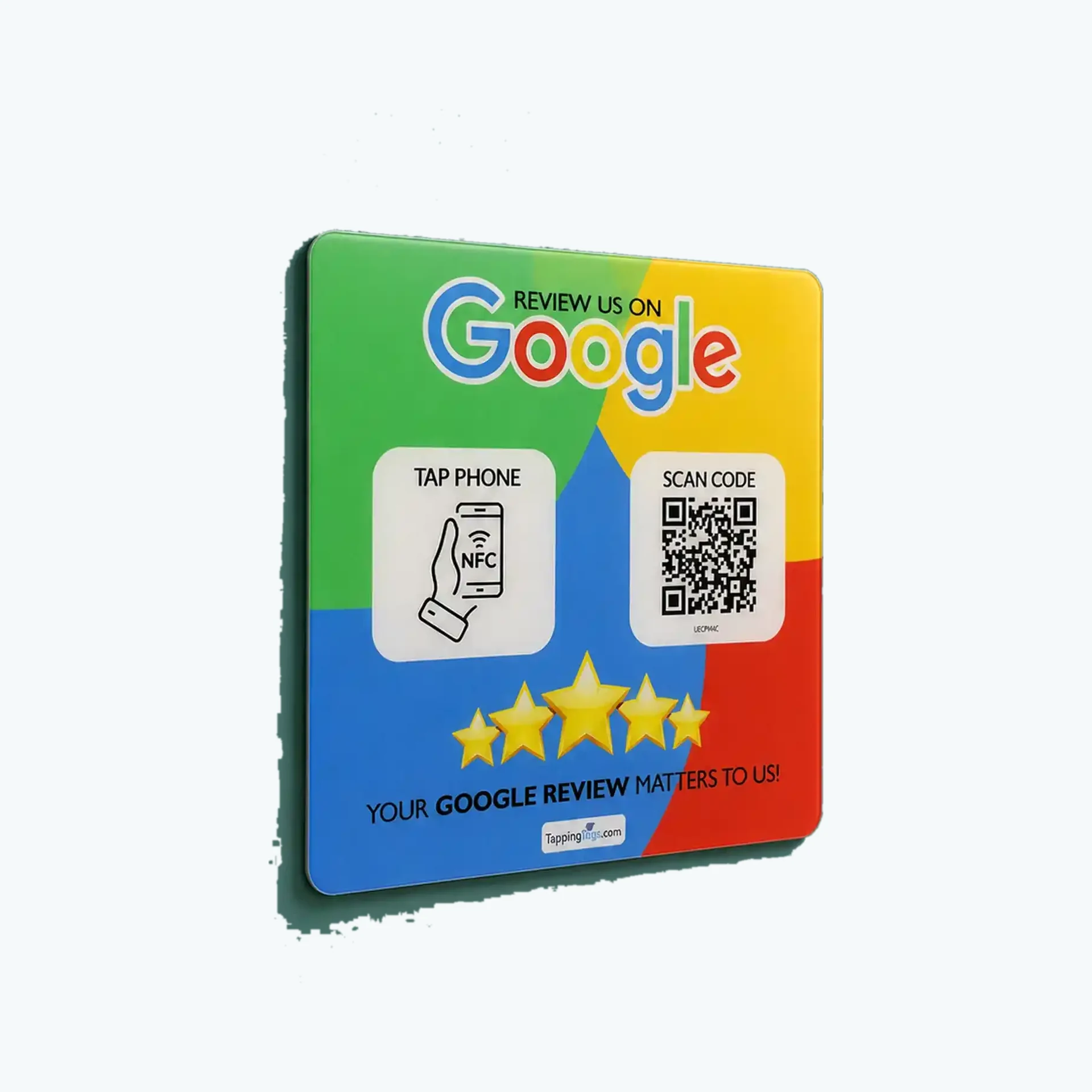
Compare three physical formats. Each provides NFC and QR routes to the review destination configured for the product.
TappingTags is independent and has no affiliation with Facebook, Google, Trustpilot, Tripadvisor, Yelp, or Checkatrade. Tapping Tags products provide a route to a configured destination; customers choose whether and how to respond.