
Before You Book NFC & QR Review Tags in Coconut Creek
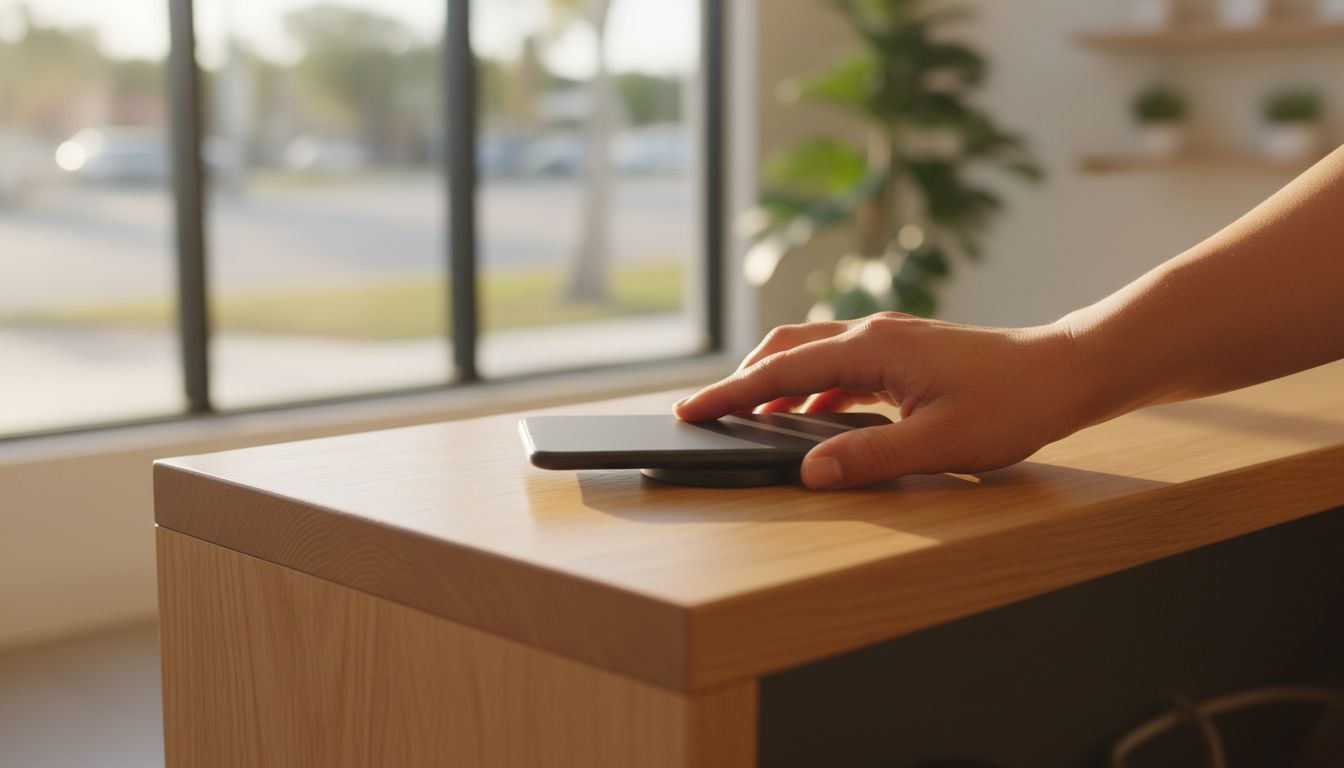
Before booking Physical NFC and QR products that open a configured review destination in Coconut Creek, decide which review destination the tap or scan should open, confirm that link is configured before the item arrives, plan where each item will sit, and check what setup guidance and order information Tappingtags provides. Customers still write and submit their own reviews.
- The physical item is the delivery method; the review destination is a setting you choose, so decide it before you order.
- Ask whether the destination can be reconfigured later if you move, rebrand, or change review platforms.
- Order by placement, not by guesswork - one item per counter, per station, or per van, plus spares.
- NFC needs a phone held right against the item, so a QR code on the same product covers phones that cannot tap.
- No tool can guarantee reviews, ratings, or rankings - the customer writes and submits their own review.
What does "a configured review destination" actually mean?
The product you order is a physical object - a card, tag, sticker, or counter stand - that carries an NFC chip, a QR code, or both. When a customer taps or scans it, their phone opens a web destination.
That destination is not baked into the hardware by accident. Configurable review link setup means the item is pointed at the review page you nominate, so the tap does one job: it puts the right page in the customer's hand. Everything else - what they type, whether they submit - stays with them. For a closer look at how that setup works for businesses booking in Coconut Creek, see our guide to Review Link Setup for NFC and QR in Coconut Creek.
So the real question before booking is not "how does NFC work." It is "which page do I want opening, and who sets that up?"
Which review destination should you choose?
Pick the destination where your Coconut Creek customers are already reading about you before they call. For most local businesses that is the profile that shows up beside your map listing, but it may also be an industry directory your trade lives on.
Three things to settle before you order:
- One destination or several. If you run a Coconut Creek location plus another site elsewhere in Broward County, each location usually needs its own destination so reviews land on the right profile.
- Who configures it. Ask whether Tappingtags sets the destination during configurable review link setup or whether you paste it in yourself afterwards.
- Whether it can change. Businesses rebrand, move, and switch platforms. Confirm up front whether the destination can be reconfigured without reordering the physical item.
Which physical format fits where you actually ask?
Order by placement. Walk your space and count the moments where a happy customer is standing still with a phone in reach - that number is your order quantity, plus a couple of spares.
- Counter or reception desk: a stand that sits at eye level where payment happens.
- Handed over: a card or tag passed with the receipt, the check, or the completed job sheet.
- Fixed surface: a sticker or plate at the exit, on the window, or beside the door.
- Mobile work: a keyring or pocket tag for techs and drivers who never see a counter.
South Florida adds a practical wrinkle. Anything you plan to mount on a patio, a window, or the outside of a vehicle is living with direct sun, heat, and humidity year round, so keep card and paper formats indoors and ask about outdoor-rated options before you commit an order to a covered walkway or terrace. Once you have settled on a format, see our guide on where to buy NFC review tags and QR review stands in Coconut Creek for a closer look at the options available.
What happens on the customer's phone?
This is where bookings go wrong, and it is worth understanding before you buy rather than after.
An NFC tap is a near-field interaction. The phone has to be held against the item, not waved at it from a few inches away. The reader is in a different spot on different handsets - often the upper back, sometimes the middle - so the first tap of a customer's life may take two tries.
Source: NFC Forum - NFC operates at 13.56 MHz with a working range of only a few centimeters, which is exactly why "hold it right on the tag" is the correct instruction.
A few more realities to plan for:
- Some phones need NFC switched on in settings, and some budget or older handsets have no NFC at all.
- Thick cases, metal plates, and magnetic card wallets can block or weaken a tap.
- A QR code on the same product is the fallback that covers every one of those cases - it only needs a camera and reasonable light.
That is the single strongest argument for ordering items that carry both NFC and a QR code rather than choosing between them.
What should you ask before you book?
- Which review destination will the item open, and who configures it?
- Can that destination be changed later, and what does changing it involve?
- Does the product include a QR code as well as NFC, for phones that cannot tap?
- How many items do I need for my layout, and are spares sensible?
- What does setup guidance cover, and what is left for me to do?
- Are there any ongoing costs, and is anything subscription-based?
- Can review requests also go out by text for customers who have already left?
What if your customers are gone before you can ask?
Plenty of Coconut Creek businesses finish the job in someone's driveway, kitchen, or back yard. There is no counter and no natural pause, so a counter stand solves nothing.
That is the gap an SMS/text messaging service fills: the request reaches the customer shortly after the work is done, on the device they would use anyway. Many businesses run both - a physical item for face-to-face moments and text for everything else. Either way, the customer opens the destination and writes the review themselves.
What can nobody promise you?
Be skeptical of anyone who answers this differently. A tap-to-review product removes friction at the moment a customer is willing to help. It does not create reviews.
- No guarantees on review volume, star ratings, search rankings, traffic, or sales - those depend on your customers and your service.
- The customer is the author. The tap or scan opens a page; they type and submit it from their own account.
- No platform affiliation. Tappingtags is not affiliated with or endorsed by any review platform - it provides the physical products and the link configuration behind them.
- Do not screen by rating. Asking only customers you expect to rate you well breaches platform rules on most major sites. Hand the item to everyone.
Ready to order for your Coconut Creek business?
Work out your destination and your placements first - that is ninety percent of a smooth setup. Then get in touch through tappingtags.com for order information and to talk through NFC and QR review tools for local businesses, and your products can arrive already pointed at the right page.
Frequently Asked Questions
No. Tapping opens the configured review destination in the phone's own browser, and the QR code on the same product covers phones that cannot tap.
Ask before you order. Configurable review link setup means the destination is a setting rather than part of the hardware, so confirm with Tappingtags how a change is made.
No. The tap or scan opens the review page, and the customer types and submits the review themselves from their own account.
Count the places where a satisfied customer pauses with a phone in reach, such as each counter, station, or vehicle, then add a couple of spares.
Use the SMS/text messaging service to send the request after the job is done, and keep physical products for face-to-face moments.

