
NFC and QR Review Stands in Coconut Creek
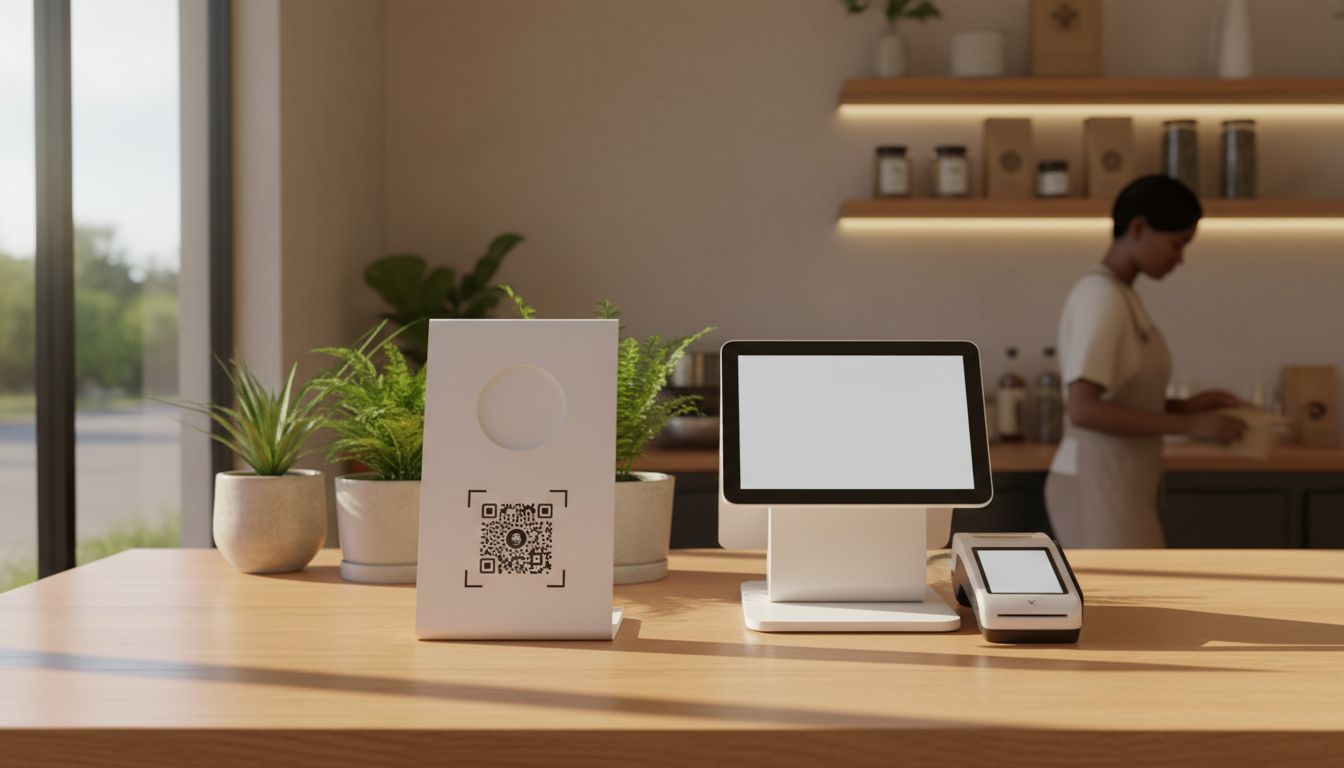
For a Coconut Creek storefront, the simplest way to get an NFC and QR review stand is to order a physical review tool from Tappingtags and request the review link setup guidance at the same time. Tappingtags provides NFC and QR products that open a configured review destination, along with order information, setup guidance, customer review collection tools, and SMS/text messaging service options.
- Choose a physical NFC and QR review product for your Coconut Creek storefront.
- Have the review destination configured before placing the order.
- Ask for current order information and delivery timing for your location.
- Use the stand at a natural customer interaction point, such as checkout.
What to order for a Coconut Creek storefront
Start with a physical NFC and QR review stand designed for use at your storefront. The NFC feature lets a compatible phone interact with the stand, while the QR code provides another way for customers to open the configured review destination with their phone camera.
Using both options gives customers a clear choice. Some customers may prefer tapping their phone, while others may be more comfortable scanning a QR code. The important part is that the NFC and QR product is configured for the review destination you want customers to visit.
Tappingtags provides NFC and QR review tools for local businesses, including physical products, configurable review link setup, and customer review collection tools. You can review the available product and order information through the NFC and QR review tools page.
How the setup process works
The setup begins with choosing the product that fits your counter, reception area, or other customer-facing location. Then, provide the review destination information needed to configure the NFC and QR functions.
Before ordering, confirm these details:
- The physical product you want for your storefront.
- The review destination that should open after a tap or scan.
- Whether you need setup guidance before placing the order.
- The current delivery estimate for Coconut Creek.
- Whether SMS or text messaging service information is relevant to your customer review process.
If you need help understanding how the destination is configured, review the review link setup information before submitting your order. This helps you confirm that the product will open the intended destination when a customer uses it.
For a closer look at the booking and configuration steps specific to this area, see Review Link Setup for NFC and QR in Coconut Creek.
For more on who sells QR review stands in Coconut Creek, see that guide before you place an order.
How to get fast delivery without guessing
Fast delivery depends on the product, order details, and delivery information available when you place the order. Because of that, request the current delivery timing for Coconut Creek before completing the purchase instead of relying on a general estimate.
To keep the order clear, include your storefront location, the product you want, and whether you need the review destination configured as part of the setup. Ask for order information and the expected delivery window in the same conversation. That gives you a direct answer about what is included and when the stand should arrive.
When speed matters, avoid sending incomplete setup information. A clear review destination and complete delivery details can make it easier to confirm the order and provide the right setup guidance.
Where to place the stand in your Coconut Creek business
Place the stand where customers naturally pause and can use their phone without blocking the normal flow of your storefront. A checkout counter, reception desk, service counter, or another staff-approved customer interaction point may be appropriate for your business.
The stand should be easy to notice, but it should not interrupt payment, waiting, or other important customer steps. Keep the NFC and QR surface visible and accessible. Staff can explain that the stand opens the configured review destination, while the customer decides whether to continue.
What the customer experience should look like
A useful review tool should have a short, understandable customer journey. The customer sees the stand, taps or scans it, and reaches the configured review destination. The customer then decides whether to leave feedback and what to write.
The tool supports review collection, but it does not replace the customer’s choice. Do not describe the stand as a way to guarantee reviews, ratings, rankings, traffic, or sales. Its role is to provide a convenient path to the destination you configure.
If you are comparing options, the customer review collection tools page can help you review the available approach before ordering.
What to ask Tappingtags before you order
For a Coconut Creek storefront, send a focused request rather than asking only for a generic review stand. Explain that you need an NFC and QR product, identify the review destination, and ask for setup guidance and current delivery information.
A practical request can include:
- Your business location: Coconut Creek.
- The type of storefront or customer-facing counter where the stand will be used.
- The review destination you want configured.
- Whether you need help with the setup process.
- Your preferred delivery timing, subject to current order availability.
This gives Tappingtags the information needed to explain the available product, configuration, order details, and delivery expectations. You can begin through the Tappingtags order and setup information page.
Next step for Coconut Creek businesses
To get started, contact Tappingtags with your Coconut Creek storefront details, the review destination you want to use, and your delivery needs. Ask for the available NFC and QR review stand options, setup guidance, order information, and the current delivery estimate.
Once the product and configuration are confirmed, place the stand where customers can use it naturally. The result is a simple physical tool that connects your storefront experience with the review destination you selected.
Frequently Asked Questions
Yes. Tappingtags provides physical NFC and QR review products for local businesses, including configurable review link setup and setup guidance for your selected review destination.
Tappingtags provides configurable review link setup and setup guidance. Ask for the current order details so you can confirm what setup is included with the product you choose.
Delivery timing depends on the product and current order information. Request the current delivery estimate for your Coconut Creek storefront before placing the order.
The NFC and QR product gives customers two ways to open the configured review destination. Customers can tap or scan and then decide whether to submit feedback.

