
NFC and QR Review Tools: Keep or Replace?
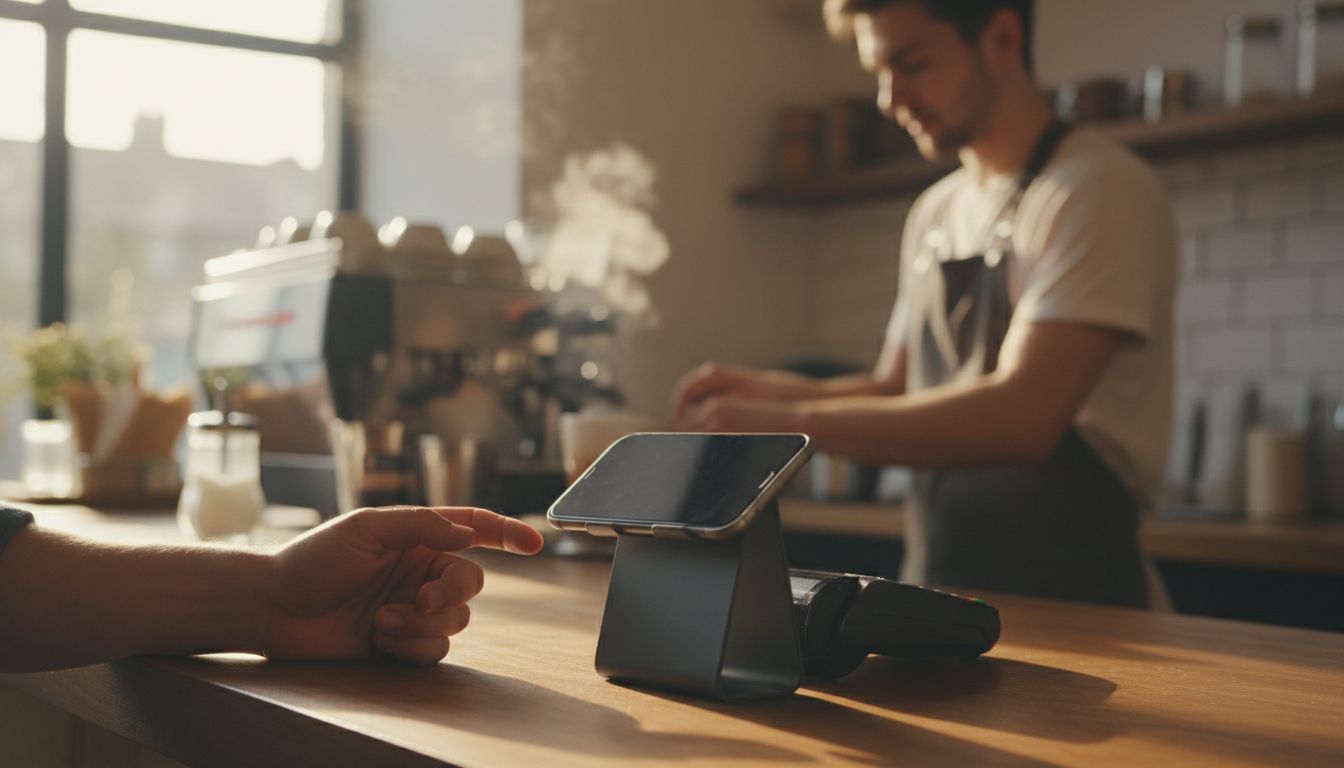
If your NFC and QR review tools still read reliably when a customer taps or scans, you almost never need to replace them - you need to change where they point. The review destination on these products is configurable, so a new Google Business Profile, a move to a different review platform, or a corrected profile link is a setup change, not a hardware purchase. Replacement earns its place in a narrower set of cases: the tag is physically damaged or lost, your branding has changed, or you need more units for new staff, extra counters, or another location. And if you do not own any yet, the test of worth it is simple: do you already ask every happy customer for a review, and does anything make that ask easier than reading a web address out loud?
- A tag that still scans rarely needs replacing - the review link it opens is configurable.
- Replace the physical product when it is damaged, lost, rebranded, or you simply need more units.
- Reconfiguring is a same-session setup change; replacing means ordering and waiting for new items.
- NFC and QR products have no battery and no screen, so wear is physical, not electronic.
- Test the tap and the scan yourself after any change to your review profile.
Why "Should I Replace?" Is Usually a Link Question
Most owners ask this question after something changed on the review side, not the hardware side. A profile gets merged, a platform becomes the new priority, or the link was set up before the business had a tidy listing to send people to.
Because the destination is configurable, the physical product does not care which page it opens. Updating the setup is the fix, and the tags on your counter stay exactly where they are.
Keep and Reconfigure vs Replace
Here is how the two options compare on the points that actually decide it.
| Criteria | Keep and reconfigure | Replace the product |
|---|---|---|
| Cost | No new hardware - you are changing a setting, not buying an item. | The cost of new units; see order information for current options. |
| Timeline | Can be done as a setup change, then tested in minutes. | Order, delivery, and placing the new items before they earn anything. |
| Longevity | Link changes do not age the product; the tag itself is the limit. | A fresh surface and mount, useful where the old one is worn or gone. |
| When it makes sense | The tag still works but points somewhere wrong, outdated, or less useful. | The tag is broken, lost, visually off-brand, or you need more of them. |
When Replacing Is Genuinely the Right Call
Hardware problems are real, and no amount of reconfiguring fixes them. Replace when:
- The tag is cracked, peeling, water-damaged, or no longer reads on a first tap.
- The QR print is scratched, faded, or covered enough that phones hesitate.
- You rebranded, changed trading name, or the look no longer matches your counter.
- The unit was lost, walked off, or stayed behind at a previous premises.
- You want review collection at more than one point - till, table, van, or invoice handover.
Which Is Right for You
Run through these in order and you will land on the right answer quickly.
- Does it still read? Tap it and scan it. If both work, you are in reconfigure territory.
- Is the destination right? If the page that opens is the wrong profile or a platform you no longer care about, a configurable review link setup solves it without a new order.
- Does it look like your business today? A working tag with an old logo is a replacement, not a repair.
- Do you have enough of them? One tag at a busy counter is a bottleneck - extra units cost less attention than chasing reviews by email.
If two or more of those point to replacement, order new ones and keep the old setup details so your new items can open the same destination from day one.
And If You Do Not Own Any Yet: Is It Worth It?
The value of NFC and QR review tools is not magic - it is friction removal. The moment a customer is happiest is usually the moment you are busiest, and a tap or a scan is a shorter ask than spelling out a web address.
The customer still writes and submits their own review on the platform's page - nothing is posted on their behalf. That is the point: the tool shortens the route, and your service and your timing do the rest.
Point Your Review Link the Right Way
If your tags still work, start with the link. Our setup guidance walks through pointing an existing NFC or QR product at the review destination you actually want, and our customer review collection tools pages explain what each format suits. If the hardware is the problem, check order information for replacement units. If you are shopping for the first time rather than deciding on a swap, our NFC and QR Review Tools in Coconut Creek: Buyer Guide walks through picking the right format from scratch. Tell us what you are working with and we will tell you honestly whether a setup change is enough.
Frequently Asked Questions
No. The review destination on these products is configurable, so a changed, merged, or corrected review profile is handled as a setup change. The tag stays on your counter and simply opens the new page.
They have no battery and no screen, so there is nothing electronic to run down. What fails is physical: a cracked or peeling tag, or a scratched and faded QR print. The destination can be changed without touching the code itself.
No. Most modern phones read an NFC tag on a tap and a QR code with the standard camera app. The tag opens the review page you have chosen, and the customer writes and submits their own review there.
If the existing tags still read and look current, ordering more is usually the better move - you add collection points without losing the ones already working. Replace only the units that are damaged, lost, or carrying outdated branding.
Test it yourself. Tap and scan it on a phone, confirm the page that opens is the review destination you want, and repeat that check any time you change platforms or update your listing.

