
Order Information Coconut Creek: What to Know
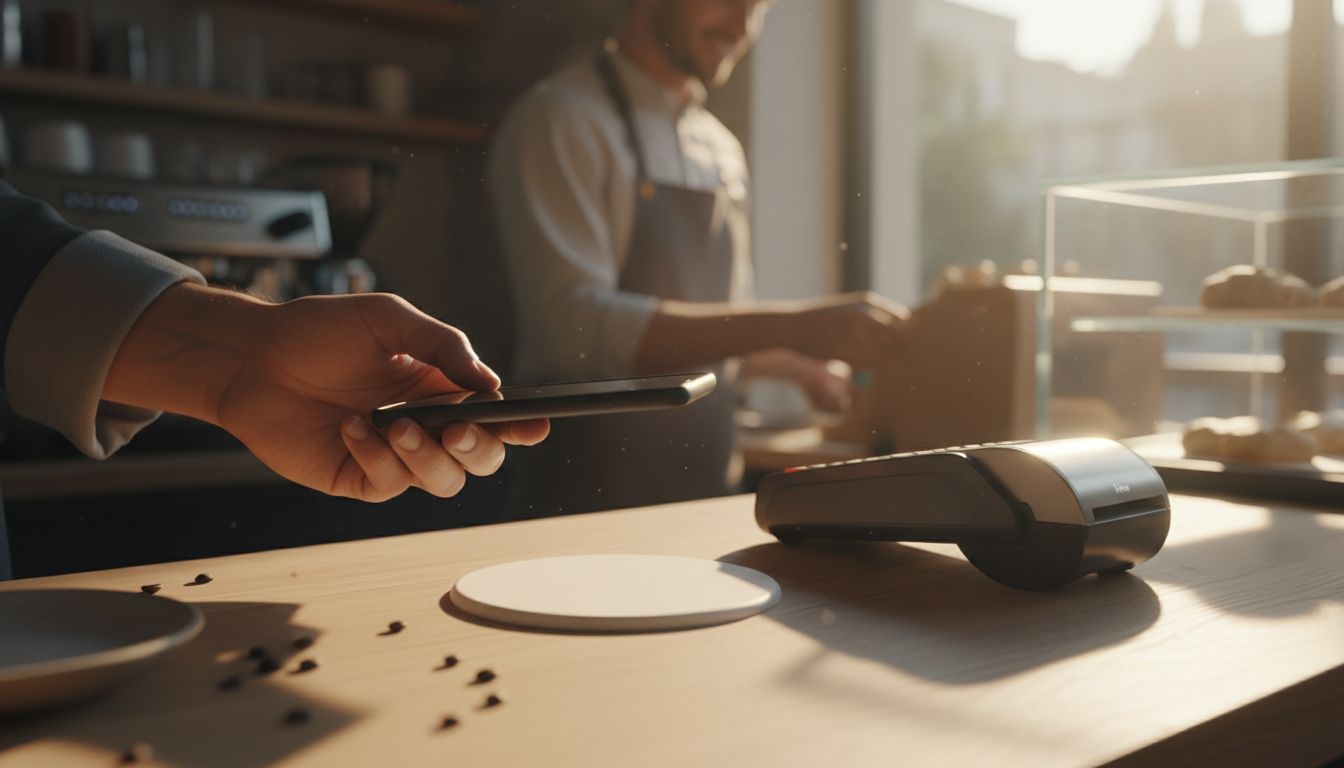
If you are getting ready to order NFC or QR review products from Tappingtags for a Coconut Creek business, the useful answer is short: almost every question worth asking before you order comes down to four things - where the tag sends people, who configures that destination, how many touchpoints you actually need, and what your staff will say when they hand it over. Settle those four and the order itself is simple. Skip them and you end up with tags sitting in a drawer.
- Decide your review destination before you order - the tag opens the link you choose, so that choice drives everything else.
- Count your real touchpoints in Coconut Creek (counter, each till, vans, invoices) instead of guessing a quantity.
- Ask what happens if you need to change the destination later.
- A tap or scan opens your review page - the customer still writes and submits the review themselves.
- Ask for setup guidance and a one-line script for staff as part of the order, not after it.
What "order information" means here
Order information covers the practical side of buying: what the physical NFC and QR products are, what has to be decided before they are made, how the review link is configured, and what you do once they arrive. It is not the marketing pitch - it is the set of details that determine whether the tags work on day one.
Tappingtags provides NFC and QR review tools for local businesses, the physical products themselves, configurable review link setup, review collection tools, setup guidance and an SMS/text messaging service. Knowing which of those you are actually ordering is the first thing to confirm.
Your pre-order checklist
- Decide the exact review destination you want a tap or scan to open, and have that link ready.
- Confirm who configures the link before the products ship, and what you need to send over.
- Ask whether the destination can be changed later if you switch platforms or add a location.
- Choose the format you need: NFC tap, QR scan, or both on the same item.
- Ask whether any subscription is involved for the physical product to keep working.
- Count your Coconut Creek touchpoints - front counter, each till, service vehicles, invoices, packaging.
- Confirm what a customer sees if their phone does not tap - this is why a QR option matters.
- Ask what setup guidance is included and whether it arrives before or with the products.
- Agree the one-line ask your staff will use when they present the tag.
- Ask about the SMS/text messaging service separately if you also want to reach customers who have already left.
Settle the review destination first
An NFC or QR product does one job extremely well: it opens a configured review destination on the customer's phone. That destination is your choice - for example, the profile you already ask customers to review you on. Nothing about the product decides it for you, which is why it needs deciding before anything is made.
Two situations catch Coconut Creek owners out. The first is having more than one place customers could leave feedback and never choosing one, so the tag points somewhere half-hearted. The second is having a listing that is not fully set up yet, so a tap lands on a thin page. Fix both before you order, and the tag is pointed at something worth landing on.
If you have more than one location or van, decide whether every tag should point to the same place or whether each site needs its own. That is a configuration question, and it is much easier answered before the order than after.
Know exactly what a tag does - and what it does not
A tap or a scan opens your review page. That is the whole mechanism, and it is worth being clear about because it sets honest expectations.
- The customer writes their own review. Nothing is posted on their behalf and nothing goes live without them approving and submitting it.
- Removing friction is the benefit. The tag closes the gap between "I'd happily review you" and actually doing it, at the moment the customer is standing in front of you.
- No outcome is promised. Reviews, ratings, rankings and traffic depend on your customers and the platform, not on the hardware.
That last point is the honest frame for the whole purchase. You are buying a faster path to the ask, not a result.
A simple order timeline to work through
Use this as a scan-and-tick sequence. It maps each stage to the one decision that actually holds things up.
| Stage | What to settle | What you should have in hand |
|---|---|---|
| Before ordering | Which review destination the tag opens | The exact link, and the profile already tidy |
| Choosing products | NFC, QR, or both - and how many | A counted list of touchpoints, not an estimate |
| Configuration | Who sets the link and what they need from you | Written confirmation of the destination used |
| Arrival | Where each item physically lives | A named spot per counter, till or vehicle |
| First week | What staff say when they present it | One agreed sentence everyone uses |
Getting your Coconut Creek team ready
The difference between tags that work and tags that gather dust is almost never the hardware - it is whether anyone offers them. Pick one sentence, keep it short, and have every member of staff use the same one.
Place the products where the conversation already happens. A counter stand belongs where payment is taken, not beside the door. A vehicle or toolkit item belongs wherever you finish a job and say goodbye. Ask for setup guidance as part of the order so this is decided while you are still unpacking.
Ready to order?
Bring three things and the rest is quick: the review destination you want opened, a counted list of touchpoints across your Coconut Creek locations, and the one sentence your team will use. Get in touch with Tappingtags through tappingtags.com to go through your order information, confirm how your review link will be configured, and get the right mix of NFC and QR products for the way your business actually serves customers.
Frequently Asked Questions
Three things: the exact review destination you want a tap or scan to open, how many touchpoints you need covered (front counter, each till, service vehicles, invoices), and the one sentence your staff will say when they present the tag. Bring those to your order and everything else is quick.
Tappingtags offers configurable review link setup for its NFC and QR products, so the destination is a setting rather than something printed in permanently. Confirm how changes are handled for your specific order before you buy, especially if you expect to add a location or switch platforms.
Yes. A tap or scan simply opens the review destination you configured on the customer's phone. The customer writes, approves and submits their own review - nothing is posted on their behalf and nothing goes live without them.
NFC works by tapping a phone against the product, which is fastest when a customer is already standing at your counter. QR is scanned with the camera and works on any phone with a camera, which makes it the reliable fallback. Many Coconut Creek businesses ask for both on the same item so no customer is left out.

