
QR Code Review Cards in Coconut Creek: Who Sets Them Up
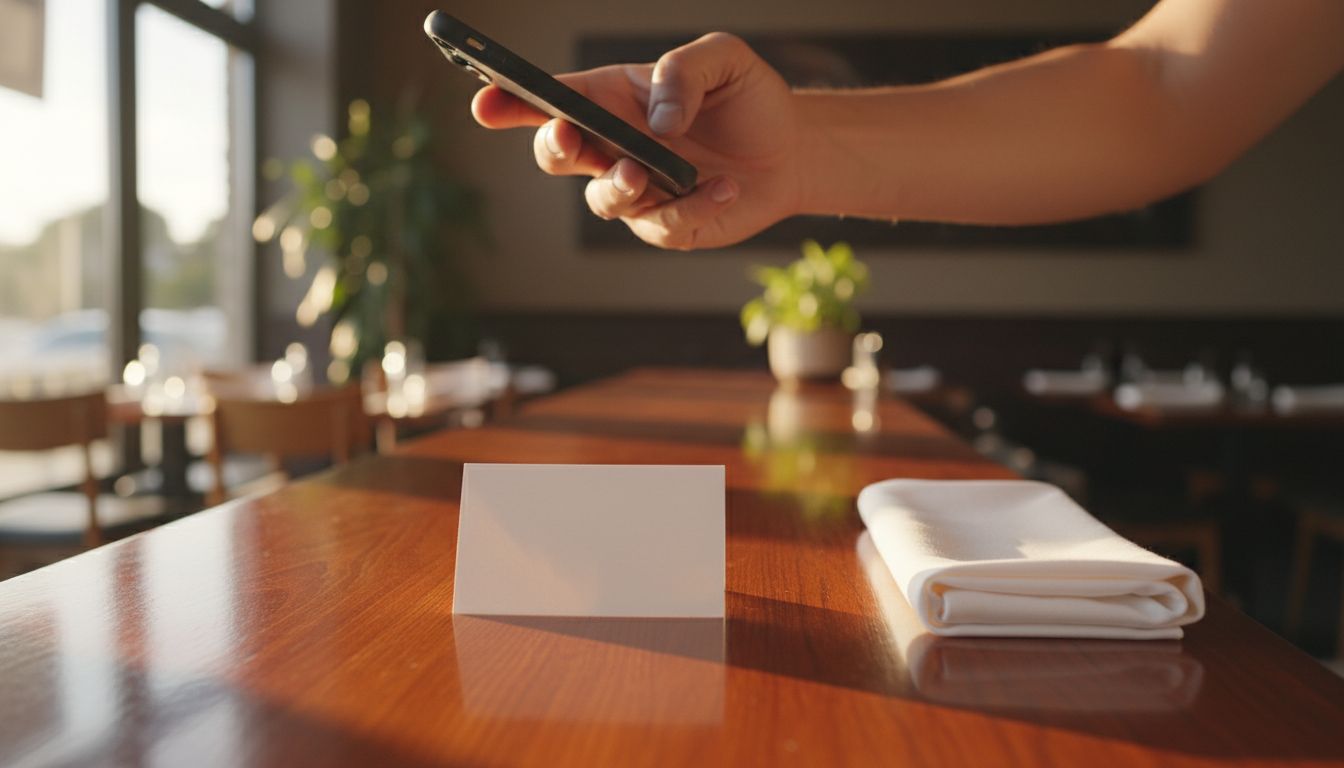
Tappingtags sets up QR code review cards for Coconut Creek businesses, and the part that matters most is included: the review link behind the code is configured so a scan opens the exact review destination you choose, instead of dropping your customer on a search page or a generic listing. If you run a restaurant, a salon or a clinic in Coconut Creek and you want a card a customer can scan at the table, at the chair or at checkout, that is the service - a physical NFC and QR review tool, the configured link behind it, and setup guidance so it works in your actual room.
- Tappingtags provides NFC and QR review products for Coconut Creek businesses, plus the review link setup that points each one at the right page.
- The card is the easy part - the link is where most review cards go wrong, so the destination is configured and checked before you put it out.
- Restaurants, salons and clinics each need the card in a different place, because the moment a customer is willing to scan is different.
- The review link is configurable, so a moved location or a changed profile does not mean reprinting everything.
- Customers write their own words, and nothing is posted on their behalf without their approval.
The short answer: who does this in Coconut Creek
Tappingtags. The service area includes Coconut Creek, and the work covers three things that usually get split across three vendors: the physical NFC or QR product, the configurable review link that sits behind it, and plain-language setup guidance for the owner or manager who has to actually use it.
One thing worth stating plainly: Tappingtags is an independent provider and is not connected to any review platform. The destination your code opens is whichever review page you decide to send people to. That independence is the useful part - you are not locked into one place to collect feedback.
What "the right review page" actually means
Almost every disappointing review card fails at the link, not the print. The card looks fine, the customer is willing, and then the phone opens something that asks them to start over. Common ways that happens:
- A search results page - the customer has to find your business again before they can say anything.
- The wrong location - a real problem in Broward, where a business on Lyons Road can be confused with a similarly named one a few minutes away in Margate or Coral Springs.
- A profile home page instead of the write-a-review step, which adds two taps at exactly the moment enthusiasm drops.
- A link that behaves differently on iPhone and Android, so half your customers get a smooth path and half get a dead end.
Configured review link setup means the destination is set deliberately and confirmed on a real phone before the card goes on your counter. That is the difference between a review card and a decoration.
How the setup works
- Tell us the destination. Which review page do you want a scan to open, and for which exact location if you have more than one.
- Pick the product. QR cards, NFC tags, or both, depending on where they will live and who is handing them over.
- The link gets configured. The review destination is written to the product rather than guessed at, so the code goes where you said.
- It gets tested on a phone. Scan, tap, see where you land. If it is not the write-a-review step, it gets corrected before anything is rolled out.
- You get setup guidance. Where to place it, when to mention it, and what your front-of-house staff should say in one sentence.
Step five is the one owners skip and then wonder why nothing happened. A card on a counter that nobody points to collects dust.
Where the card goes, by business type
Restaurants, salons and clinics look similar on a spec sheet and behave nothing alike in practice. The right placement follows the moment your customer is most pleased and least rushed.
| Business type | Best place for the card | The moment that works |
|---|---|---|
| Restaurant or cafe | On the table with the check, or at the host stand on the way out | After the meal, while the check is being settled |
| Salon or barbershop | At the styling station mirror and again at the front desk | Right after the chair is turned around and they see the result |
| Clinic or dental practice | At the checkout window, handed over with the next appointment card | While booking the follow-up, not in the waiting room |
| Mobile or in-home service | Carried by the technician, left with the invoice | At the moment the job is finished and shown to the customer |
QR, NFC, or both
QR codes work on any phone with a camera and cost nothing to display - print them on a table card, a window decal or the back of a business card. They are the safer default for a dining room or a waiting area, where the customer scans on their own time.
NFC tags open the same configured destination with a tap and no camera app at all, which is faster in a hand-to-hand moment: a stylist passing a tag across the desk, a front-desk staff member holding one out at checkout.
Plenty of Coconut Creek businesses end up using both - QR on the printed material that sits out, NFC on the one item staff hold. Both point at the same review destination, so there is nothing extra to manage.
Text message requests, for the customers who leave first
Some customers are gone before anyone mentions a review. Tappingtags also offers an SMS and text messaging service, which covers that gap by sending the same review link to the phone of a customer who has already walked out the door. The card catches people in the room, the text catches the rest.
What stays in your customer's hands
A review card shortens the path to the review page. It does not, and should not, write anything. Your customer opens the destination, types their own words, and submits it themselves - nothing is posted on their behalf without their approval.
That also means what arrives is a reflection of the visit. A well-placed card gets more of your quietly satisfied regulars to say something, which is usually the whole point: the people most likely to review unprompted are rarely the ones you want speaking for you.
Getting started in Coconut Creek
If you already know which review page you want a scan to open, setup is short. If you are not sure - two locations, a profile you have never claimed, a listing with an old address on it - say so, and that gets sorted out first, because the link is the whole product.
Contact Tappingtags at tappingtags.com to order review cards for your Coconut Creek business and get the review link configured for the exact page you want customers to land on. If you want the tap-to-open NFC option specifically, here is where to buy custom NFC review cards in Coconut Creek.
Frequently Asked Questions
Tappingtags provides NFC and QR review products for businesses in Coconut Creek, including the configurable review link behind each product and setup guidance for putting it to work. Contact Tappingtags at tappingtags.com to get started.
Yes. The review destination is configurable, so the code is set to open the review page you choose for your specific location rather than a search results page or a generic listing. The destination is confirmed on a phone before the cards go into use.
They work for both, but the placement changes. A restaurant card belongs on the table with the check, while a clinic card works best handed over at the checkout window alongside the next appointment card. Setup guidance covers placement for your type of business.
A QR code is scanned with any phone camera and suits printed material that sits out on a table or counter. An NFC tag opens the same destination with a tap and no camera app, which is faster when a staff member is handing it to a customer. Both can point at the same review page.
The review link on Tappingtags NFC and QR products is configurable, so a changed profile or a new location is handled by updating the configured destination rather than starting over from scratch. Contact Tappingtags at tappingtags.com with the new destination.

