
How to Tell If You Need Your Order Information
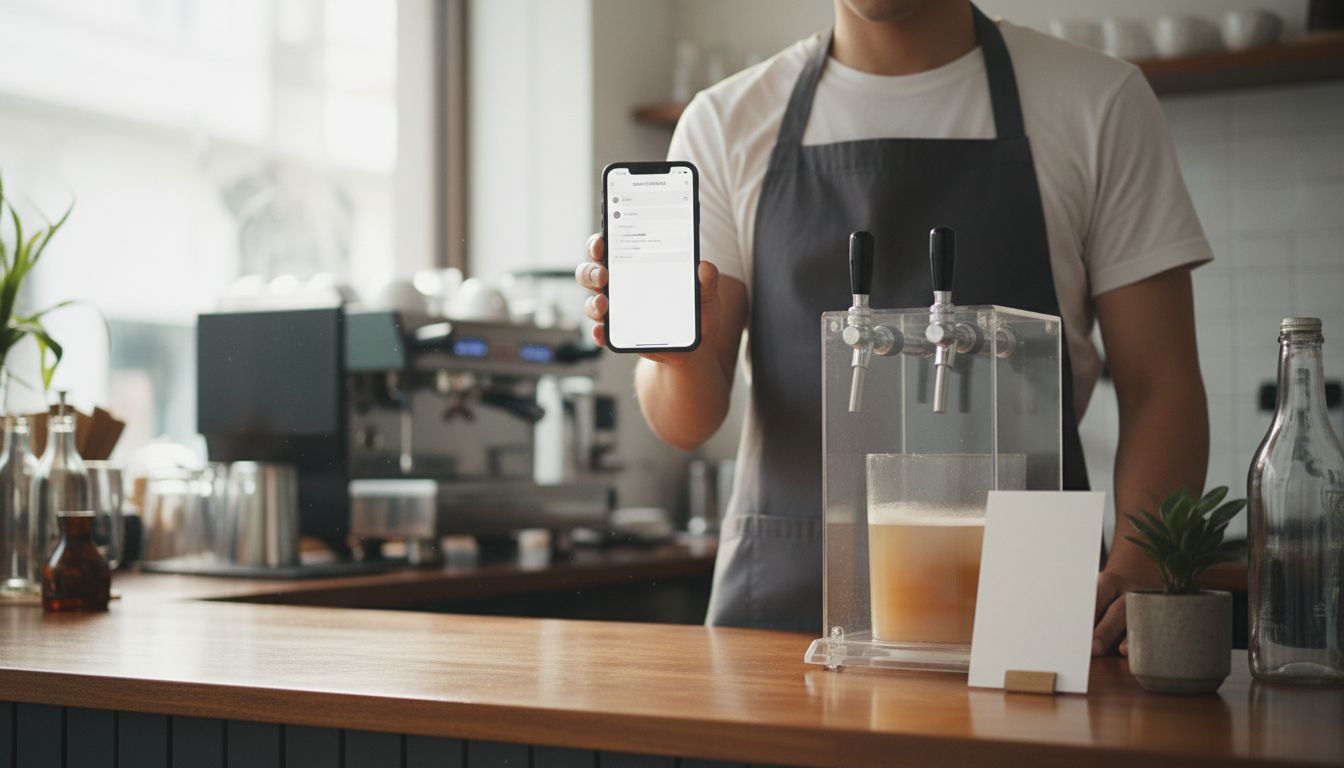
You need your order information whenever your question is about a purchase you have already made - delivery status, a wrong or missing item, adding a stand to an existing order, or help with a card you already own. Order information means your order number, the email used at checkout, and the items ordered.
- If your question points at a specific past purchase, you need order information.
- If your question is about choosing a product or setting up your review link, you do not.
- The core details are order number, checkout email, items and quantity.
- Your order confirmation email holds almost everything you need.
- Missing the email is not a dead end - the checkout email plus a rough date usually identifies an order.
What "order information" actually means
Order information is the small set of details that identifies your purchase without guesswork. It is not paperwork for its own sake - it is the shortcut that turns a vague question into a quick answer. For a google review card order, it usually means:
- Order number - the reference on the order confirmation email sent at checkout.
- Email address used at checkout - orders are matched to this address, and it is often a personal inbox rather than the business one.
- Items and quantity - the NFC and QR card, the NFC acrylic tag with sticker, or the acrylic NFC stand, and how many of each.
- Shipping address - the address on the order, which may differ from your registered business address.
- Approximate purchase date - useful if you have ordered more than once.
Five signs you need your order information
Each of these questions is really a question about one particular order, which is why details are needed before anyone can help.
- You are asking "where is it?" Any question about whether something has shipped or when it should arrive is tied to a single order, not to the product in general.
- Something arrived wrong, damaged, or incomplete. You received two tags instead of three, or the stand arrived scuffed. The order tells us what should have been in the box.
- You want to change or add to an order. Adding a google review stand for the front desk after you already ordered cards means someone has to find the original order first.
- You want to reorder exactly what you had. Staff turnover and lost cards are normal. Your old order is the fastest way to match the same product and quantity.
- You need help with something you already own. Questions about the review page your card opens, or about a tag that is not behaving, start with knowing which item you have.
When you do not need any order information
Plenty of common questions need nothing at all. If you are in one of these situations, skip the email hunt and just get on with it.
- You are choosing between a card, a tag, and a stand - that is a pre-purchase decision, not an order question.
- You are creating your review link - the google review link generator needs no purchase and no order number.
- You are comparing options for your trade - a salon, a clinic, and an auto repair shop each use these differently, and that reading needs no order history.
- You are placing a brand new order - browsing google review tap cards and checking out requires nothing from a previous purchase.
Quick reference: what to have ready
Use this as a two-second check before you write your message.
| Your situation | What to have ready |
|---|---|
| Checking on delivery | Order number, checkout email, shipping address |
| Wrong or damaged item | Order number, item names, quantity, a clear photo |
| Adding to an existing order | Order number and the item you want to add |
| Reordering the same thing | Previous order number or item name and quantity |
| Help with an item you own | Which product it is, plus the review page it should open |
| Choosing a product or making your link | Nothing |
Where to find your order information
Almost everything sits in the order confirmation email, so start there and work outward.
- Search your inbox for the brand name or the product name, and check the spam and promotions tabs before deciding it never arrived.
- Check the card statement used at checkout - the date and amount help pin down which order you mean.
- Ask whoever placed it - in small businesses from Coconut Creek, FL to anywhere else, the owner, manager, or front desk often paid from a personal account.
If you cannot find your order details
A missing email does not stop you. Send what you do know: the email address you believe was used at checkout, the rough week of purchase, and what you ordered - for example three cards and one stand.
That combination is usually enough to identify an order. Vague messages like "my thing is not here" simply get a request for those same details, so leading with them saves a round trip.
Ready to order or reorder?
If you have decided you do not need order information after all, you are free to move straight ahead. Build your review link with the free tool, then pick the format that fits your counter, treatment room, or service desk.
Browse the google review tap cards range and choose cards, tags, or stands for your team - and keep that confirmation email somewhere your whole team can find it. If you are weighing the cost first, read How Much Does Order Information Cost in Coconut Creek?
Frequently Asked Questions
You need it any time your question concerns a purchase you have already made, such as delivery status, a wrong item, adding to an order, or help with a card you own. General product and setup questions need nothing.
Your order number, the email address used at checkout, the items and quantity ordered, the shipping address, and roughly when you bought it. The order confirmation email contains most of this.
No. The google review link generator is free to use and needs no purchase, order number, or account.
Search your inbox and spam folder for the brand or product name first. If it is still missing, send the email address you think was used at checkout, the approximate purchase date, and what you ordered.
No, a new order needs nothing from a previous one. Having the old details is only useful if you want to match the exact product and quantity you had before.

