
7 Signs You Need Setup Guidance for NFC Review Tags
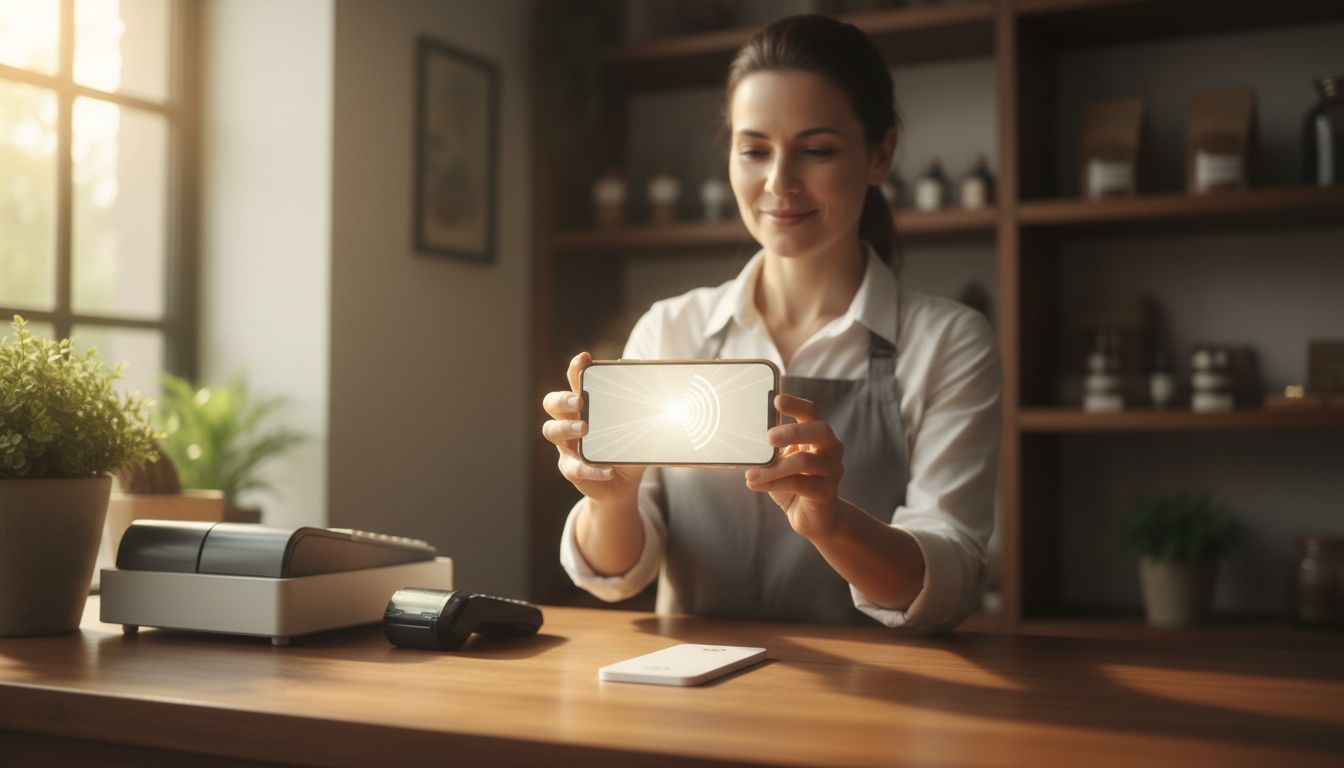
You need setup guidance when your NFC or QR product is in your hands but you are not certain it will send customers to the right place. That uncertainty is the whole signal - the tag works fine, the question is whether your review destination is configured the way you intended. Below are seven specific signs that it is worth asking us before you put the tag on your counter.
- The tag itself is not the hard part - deciding and setting the review link is.
- Test by tapping or scanning it yourself first; whatever your phone opens is exactly what a customer sees.
- If you cannot name the destination out loud, or you have more than one location or staff member handing it out, ask for guidance.
- A configured link can be changed later, so an unclear setup is fixable - not a reason to leave the tag in a drawer.
- Setup guidance is part of what we offer, and so is order information if your question is really about the order.
1. You cannot say out loud where the tag should send someone
The clearest sign is a simple test: say the destination in one sentence. "Tapping this opens my review page for my shop" is a configured plan. "It opens... the reviews, I think" is not, and that is the moment to ask. The product opens whatever review destination is configured for it, so the destination has to be a decision you made, not a default you assumed.
2. You have not tapped or scanned it yourself yet
Before any customer touches your tag, you should touch it first. Hold your own phone to the NFC tag, or open your camera on the QR code, and watch what loads - that screen is precisely what your customer will get. If nothing opens, if the wrong page opens, or if you are not sure whether what opened is correct, that is a setup question and not a defect.
3. You are not sure which of your review profiles it should point at
Most local businesses have more than one place a customer could leave feedback, and the tag points at one destination at a time. Picking that one is a business decision - where you actually want new feedback to land - and it is worth talking through rather than guessing. If you find yourself weighing two options and cannot choose, ask us; this is the most common thing setup guidance is used for.
4. You have more than one location, counter, or van
A single tag on a single counter is simple. The moment you have a second location, a mobile crew, or several tags spread across different points of contact, you have to decide whether they all open the same destination or different ones per site. Getting that structure right before the tags are stuck down saves you re-doing it later.
5. Someone other than you will be handing it to customers
If a counter employee, a technician, or a receptionist will be the one asking customers to tap the tag, they need to know what happens next. Staff who cannot explain the tag tend to stop offering it, or they apologise for it, which is worse than not having it. Setup guidance here is partly technical and partly a short script - what to say, what the customer will see, and what to do if a customer's phone does not react.
6. Your customers are asking what will happen when they tap it
Customer hesitation at the counter is a real signal. People are careful with their phones, and if you cannot answer "what does this do?" in one plain sentence, the tap does not happen. For the record, the honest answer is short: it opens a page where they can leave a review, and nothing is posted without them doing it themselves - the customer writes and submits their own review. If you were not confident giving that answer, that is a sign to get walked through it.
7. Something about the tap or scan behaves differently than you expected
Phones differ. A tap might need the phone held closer to the tag, nearer the top or the middle of the handset depending on the device, or the screen may need to be awake. A QR code may need more light or a bit more distance. Before concluding anything is wrong with the product, it is worth a quick check with us - most of what looks like a fault is either a phone-handling detail or a configuration detail:
- Nothing opens at all - usually how the phone is being held, or NFC not being awake on that device. Try the QR code on the same product as a cross-check.
- Something opens, but it is the wrong page - that is configuration, and it is the easiest category to fix.
- It works on your phone but not a colleague's - a device difference, not a broken tag.
- It worked and then stopped - worth reporting to us with what changed, rather than replacing anything.
The short version
If you read those seven and recognised yourself in even one, you need setup guidance - and that is completely normal, because the physical product is the easy half and the review link is the half worth getting right. None of it is permanent either: a configured destination can be changed, so an unclear setup today is a conversation, not a mistake. The only genuinely costly version is mounting or printing a batch of tags around a destination you never confirmed.
Tell us what you have and where you want reviews to land, and we will walk you through configuring it. If your question is really about your order rather than the setup, say that instead and we will give you order information - they are two different answers and you should get the right one.
Frequently Asked Questions
Tap your own phone to the tag, or scan the QR code with your camera, and look at the page that opens. That screen is exactly what a customer sees, so if it is the review destination you intended, your setup is correct. If it is the wrong page or nothing opens, contact us for setup guidance.
Yes - the review link on your NFC and QR products is configurable, so the destination can be changed if you picked the wrong one or your business changes. That is why an unclear setup is a fixable conversation rather than a wasted product. Ask us before you permanently mount or print tags, though, since the physical placement is the harder thing to undo.
No. Tapping the tag simply opens the configured review destination on the customer's phone - the customer writes and submits their own review themselves, and nothing posts without them doing it. That is the one-sentence answer to give customers who ask what the tag does.
Usually not. NFC behaviour differs by handset - the antenna sits in a different spot on different phones, and the screen generally needs to be awake. Try holding the phone closer and moving it slightly up or down the back of the device, and cross-check with the QR code on the same product before assuming anything is wrong.
Yes, and it is worth asking for the right one. Setup guidance covers configuring your review destination and getting the tap or scan working as intended. Order information covers what you ordered and the status of it - if that is your actual question, tell us and we will answer that instead.

