Meta Description: Discover how to launch a powerful Review Strategy in just 24 hours. Learn how tools like the Google Review NFC card from Tapping Tags can skyrocket your customer feedback, SEO boost, and online visibility.
Review Strategy: The Secret Weapon for Business Growth
Let’s face it—today’s digital marketplace is cutthroat. If your business isn’t actively collecting and showcasing customer reviews, you’re leaving money on the table. A solid Review Strategy is no longer optional; it’s essential. In just 24 hours, you can set up a system that not only collects reviews but also boosts your online visibility, enhances your reputation, and drives more traffic to your site.
But how do you do it quickly and effectively? That’s where this guide comes in. We’ll walk you through every step, from choosing the right tools—like the Google Review NFC card from Tapping Tags—to optimizing your review process for maximum impact.
Why You Need a Review Strategy—Yesterday
Still on the fence? Here’s the deal: 93% of consumers say online reviews influence their purchasing decisions. That’s huge. A well-executed Review Strategy can lead to:
- Increased engagement with your brand
- Enhanced online presence through SEO-rich content
- Higher conversion rates from social proof
And the best part? You can kickstart this transformation in just one day.
Step 1: Define Your Review Goals
What Do You Want to Achieve with Your Review Strategy?
Before diving in, get crystal clear on your goals. Are you looking to:
- Improve your Google My Business rating?
- Boost local SEO?
- Increase customer trust and loyalty?
Knowing your “why” will guide your entire strategy and help you measure success.
Step 2: Choose the Right Review Platform
Where Should Customers Leave Reviews?
Google, Yelp, Facebook, TripAdvisor—there are tons of platforms out there. But for most businesses, Google Reviews reign supreme. Why? Because they directly impact your search rankings and visibility on Google Maps.
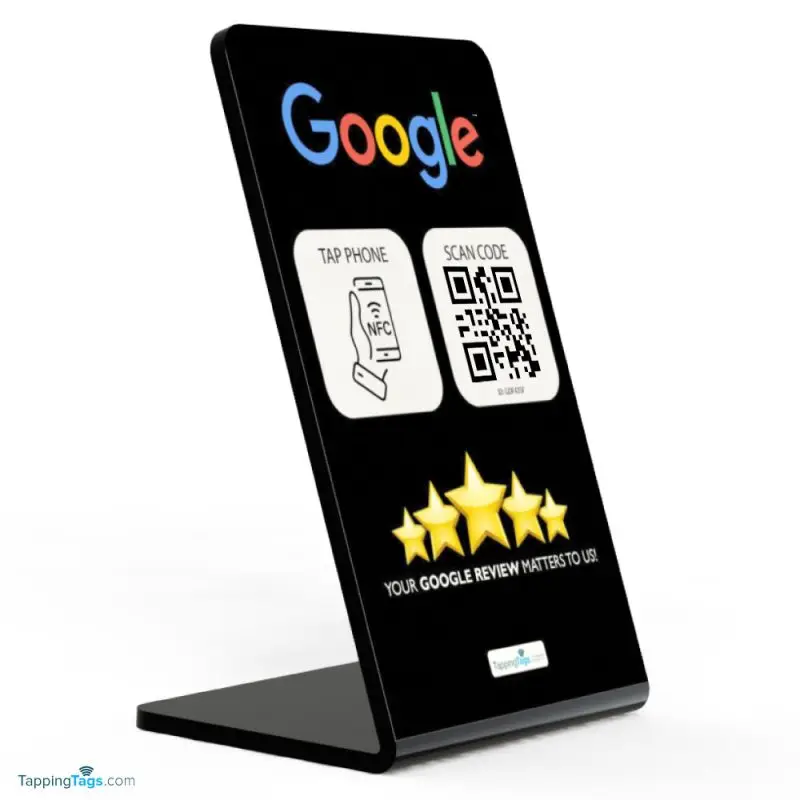
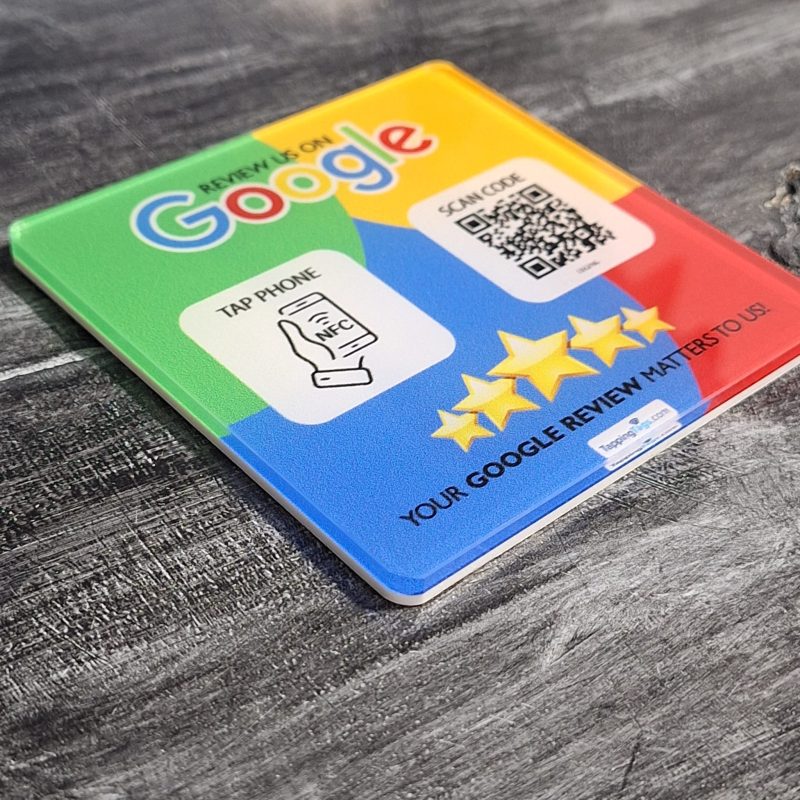
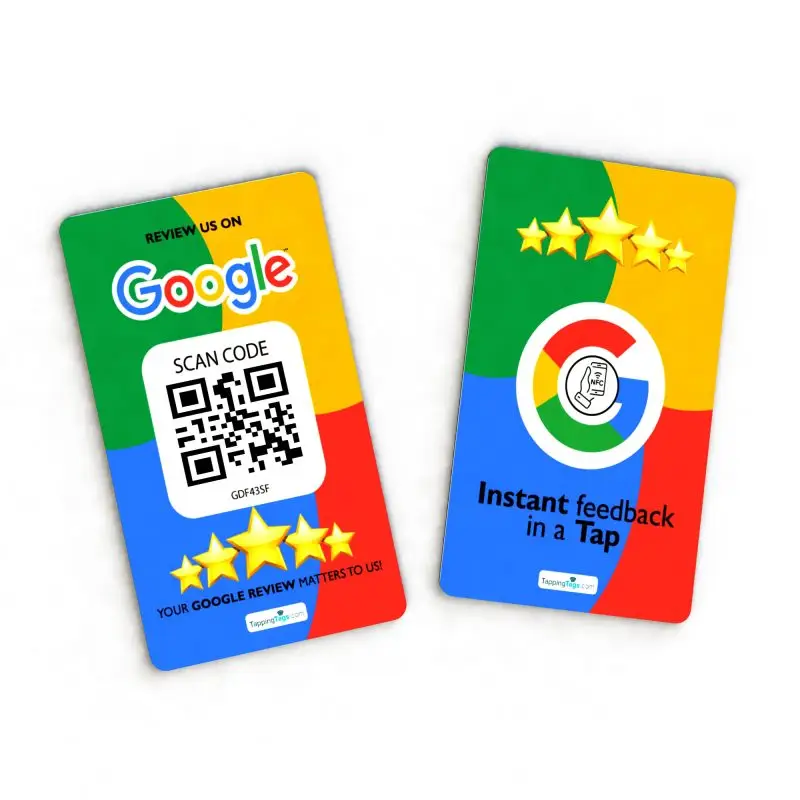
That’s why tools like the Google Review NFC card from Tapping Tags are game-changers. They make it ridiculously easy for customers to leave a review with just a tap.
Step 3: Leverage NFC Technology for Instant Reviews
What Is NFC and Why Should You Care?
Near Field Communication (NFC) technology allows two devices to communicate when they’re close together. Think Apple Pay or contactless credit cards. Now, imagine using that same tech to collect reviews. That’s exactly what Tapping Tags does with their Google Review NFC card.
With a simple tap, customers are directed to your review page—no QR codes, no typing, no hassle. It’s contactless technology at its finest, and it’s revolutionizing the review process.
Step 4: Set Up Your Google Review NFC Card
How to Activate and Use Your Tapping Tags Card
Getting started is a breeze:
- Order your card from Tapping Tags.
- Activate it via their easy-to-use dashboard.
- Customize the destination URL to your Google Review page.
Now, every time a customer taps the card, they’re taken straight to your review form. Talk about streamlined!
Step 5: Train Your Team for Review Collection
How to Get Staff Involved in Your Review Strategy
Your team is your front line. Train them to ask for reviews at the right moment—after a successful transaction, a compliment, or a positive interaction. Equip them with Google Review NFC cards so they can collect feedback on the spot.
Pro tip: Offer incentives for team members who collect the most reviews each week. It keeps everyone motivated and aligned with your Review Strategy.
Step 6: Automate Review Requests
Use Email and SMS to Scale Your Strategy
Automation is your best friend. Use tools like Mailchimp or Twilio to send follow-up messages asking for reviews. Include a link to your review page or better yet, a video showing how to use the Google Review NFC card.
This ensures you’re consistently collecting feedback without lifting a finger.
Step 7: Monitor and Respond to Reviews
Why Engagement Matters in the Review Process
Don’t just collect reviews—engage with them. Respond to every review, good or bad. Thank customers for their feedback and address concerns with empathy and professionalism.
This not only improves your reputation but also signals to Google that you’re an active, trustworthy business—hello, SEO boost!
Step 8: Showcase Reviews on Your Website
Turn Testimonials into Trust-Building Tools
Embed reviews on your homepage, product pages, and landing pages. Use plugins like WP Customer Reviews or Trustpilot widgets to display them dynamically.
Want to go the extra mile? Create a dedicated customer feedback page that highlights your best testimonials. It’s social proof that sells.
Step 9: Use Reviews to Improve Your Business
Feedback Is a Goldmine for Growth
Every review is a learning opportunity. Use them to identify trends, fix recurring issues, and improve your products or services. This creates a feedback loop that fuels continuous improvement and increased engagement.
Step 10: Track Your Review Metrics
Measure What Matters
Keep tabs on:
- Number of reviews collected
- Average star rating
- Response time
- Keyword mentions (for SEO)
Use tools like Google My Business Insights or ReviewTrackers to monitor your progress and tweak your strategy as needed.
Step 11: Promote Your Reviews on Social Media
Amplify Your Voice with User-Generated Content
Turn glowing reviews into shareable graphics or videos. Post them on Instagram, Facebook, and LinkedIn to build trust and attract new customers.
Don’t forget to tag the reviewer (with permission) and use relevant hashtags like #CustomerLove or #FiveStarService.
Step 12: Integrate Reviews into Your Sales Funnel
Use Social Proof to Close More Deals
Place reviews strategically throughout your sales funnel—from landing pages to checkout. This reassures potential buyers and nudges them toward conversion.
Remember, people trust people. Let your happy customers do the selling for you.
Step 13: Encourage Video Reviews
Bring Testimonials to Life
Video reviews are powerful. They’re authentic, engaging, and great for SEO. Ask loyal customers to record a quick testimonial and share it on your site and social channels.
Bonus: Use these videos in paid ads to boost credibility and click-through rates.
Step 14: Use Reviews in Email Marketing
Build Trust with Every Send
Include snippets of reviews in your newsletters and promotional emails. It adds credibility and reinforces your brand’s value.
Try subject lines like “See Why Customers Love Us” or “Rated 5 Stars by 500+ Happy Clients.”
Step 15: Create a Review Collection Landing Page
Make It Easy for Customers to Leave Feedback
Design a simple, mobile-friendly landing page that directs users to your review platforms. Include clear instructions and a call-to-action like “Tap to Leave a Review.”
Use your Google Review NFC card to drive traffic to this page effortlessly.
Step 16: Offer Incentives (Without Violating Guidelines)
How to Encourage Reviews Ethically
While you can’t pay for reviews, you can offer incentives like entry into a giveaway or a discount on their next purchase. Just make sure you’re not asking for a “positive” review—only an honest one.
Step 17: Segment Your Review Requests
Target the Right Customers at the Right Time
Use your CRM to segment customers based on behavior, purchase history, or satisfaction level. Send personalized review requests that feel timely and relevant.
Step 18: Use Reviews to Improve SEO
Boost Your Rankings with Fresh, Keyword-Rich Content
Google loves fresh content—and reviews are a goldmine. They naturally include keywords, locations, and product names, all of which help with your SEO boost.
Encourage customers to mention specific products or services in their reviews for maximum impact.
Step 19: Translate Reviews for Global Reach
Break Language Barriers
If you serve a multilingual audience, consider translating your best reviews. This makes your brand more accessible and trustworthy to international customers.
Step 20: Analyze Competitor Reviews
Learn from the Best (and Worst)
Study your competitors’ reviews to identify gaps in their service—and opportunities for you to shine. Use this intel to refine your own Review Strategy.
Step 21: Use Reviews in Paid Ads
Boost Click-Through Rates with Social Proof
Incorporate star ratings and testimonials into your Google Ads, Facebook Ads, and YouTube pre-rolls. It builds instant trust and improves ad performance.
Step 22: Build a Review Culture
Make Feedback Part of Your Brand DNA
Encourage a culture where feedback is welcomed and celebrated. Recognize team members who go above and beyond to earn great reviews.
Step 23: Stay Compliant with Review Guidelines
Play by the Rules
Always follow platform-specific guidelines when soliciting reviews. Avoid fake reviews, review gating, or incentivizing only positive feedback.
Step 24: Reassess and Optimize Monthly
Keep Improving Your Review Strategy
Set a monthly review meeting to analyze your metrics, identify bottlenecks, and brainstorm new tactics. A great Review Strategy is never “set it and forget it.”
Step 25: Tapping Tags, NFC technology, Google Review NFC card, customer feedback, online visibility, review process, increased engagement, enhanced online presence, SEO boost, contactless technology
Why Tapping Tags Is the Future of Customer Feedback
Revolutionizing Customer Feedback with NFC Technology, Tapping Tags is an innovative company that’s changing the game. Their flagship product, the Google Review NFC card, simplifies the review process by allowing customers to leave feedback with a single tap. This contactless technology not only enhances the customer experience but also drives increased engagement and an enhanced online presence.
By integrating NFC technology into your Review Strategy, you’re not just collecting reviews—you’re creating a seamless, modern, and effective feedback loop that leads to a significant SEO boost and improved online visibility.
FAQs
1. What is a Review Strategy?
A Review Strategy is a structured plan to collect, manage, and leverage customer reviews to improve your business’s reputation, SEO, and customer trust.
2. How