Understanding the Power of NFC Technology in Customer Feedback
Let’s face it—getting customers to leave feedback after a service can feel like pulling teeth. You’ve delivered a great experience, but when it comes to collecting that golden nugget of insight—the review—most people just walk away. That’s where NFC technology steps in to save the day. Imagine a world where your customers can leave a review with just a tap. Sounds futuristic? It’s not. It’s happening right now, thanks to companies like Tapping Tags.
Near Field Communication (NFC) is a contactless technology that allows two devices to communicate when they’re close together—think of it like a digital handshake. It’s the same tech used in contactless payments, but now it’s being used to revolutionize how businesses collect customer feedback. With a simple tap of a phone on an NFC card, customers are instantly directed to a review page. No typing URLs, no scanning QR codes—just tap and go.
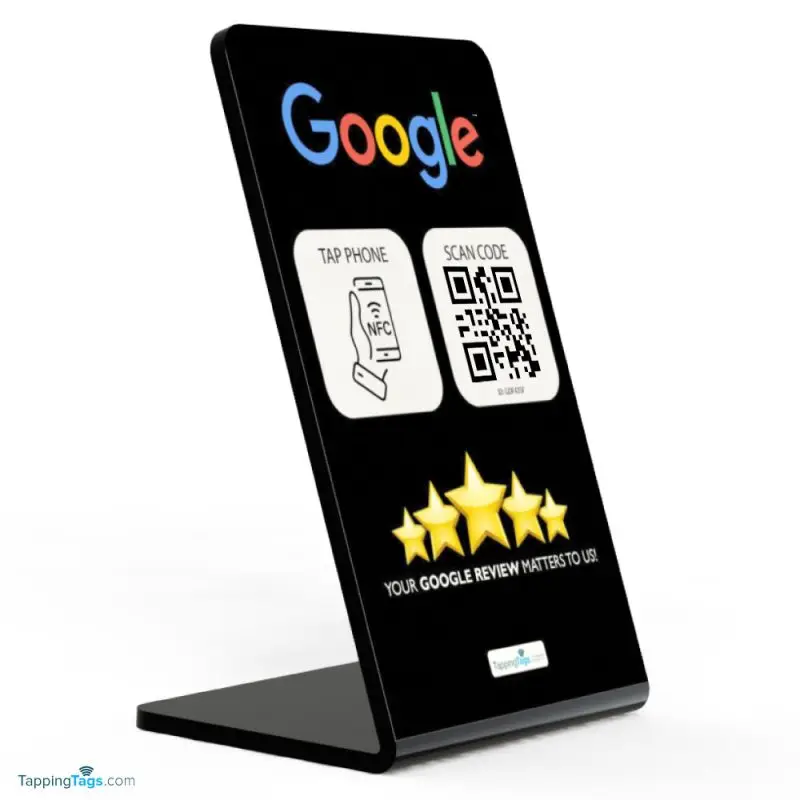
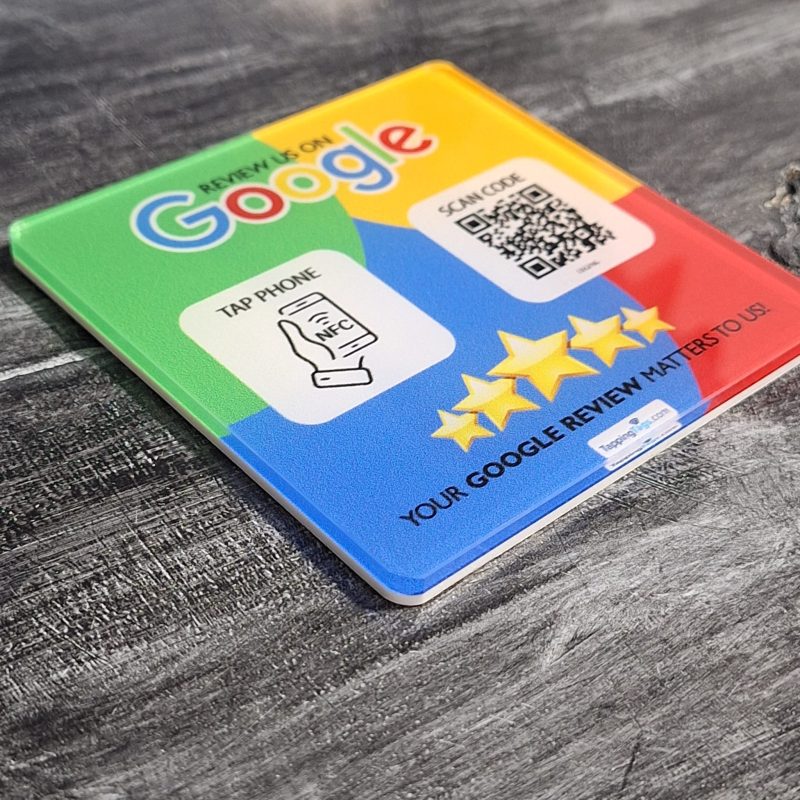
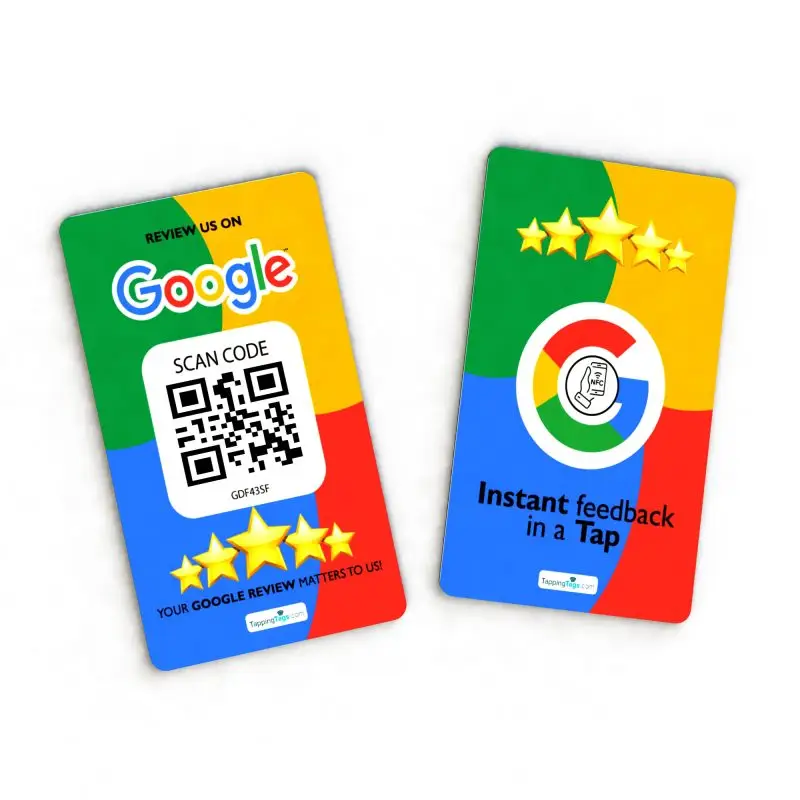
Tapping Tags has taken this concept and turned it into a game-changer with their Google Review NFC card. These cards are sleek, easy to use, and incredibly effective at increasing online visibility. By making the review process effortless, businesses are seeing a significant SEO boost and enhanced online presence.
So, why does this matter? Because in today’s digital-first world, reviews are everything. They influence buying decisions, build trust, and can make or break your reputation. If you’re not actively collecting reviews, you’re leaving money—and credibility—on the table.
In this guide, we’ll walk you through exactly how to use NFC cards in your post-service surveys. Whether you’re a small business owner, a service provider, or a marketing manager, this step-by-step breakdown will help you harness the power of NFC and turn happy customers into vocal advocates.
Step 1: Choosing the Right NFC Card for Your Business
Before you can start collecting reviews with a tap, you need the right tool for the job. Not all NFC cards are created equal, and choosing the right one can make all the difference. That’s where the Google Review NFC card from Tapping Tags comes in.
These cards are specifically designed to streamline the review process. They’re pre-programmed to direct users straight to your Google review page, eliminating any friction. No more asking customers to search for your business online or navigate through multiple steps. With Tapping Tags, it’s tap, review, done.
When selecting your NFC card, consider the following:
- Durability: Will it hold up to daily use?
- Design: Does it reflect your brand?
- Functionality: Is it compatible with both Android and iOS devices?
The Google Review NFC cards from Tapping Tags check all these boxes. They’re sleek, customizable, and built to last. Plus, they’re backed by a company that’s passionate about revolutionizing customer feedback with NFC technology.
Still unsure? Visit the contact page to get personalized recommendations based on your business type and customer base. Whether you run a salon, a car repair shop, or a dental clinic, there’s an NFC solution tailored for you.
Step 2: Setting Up Your Google Review NFC Card
Once you’ve got your hands on a Google Review NFC card, it’s time to set it up. Don’t worry—it’s easier than you think. In fact, the setup process is so simple, you’ll wonder why you didn’t start using these cards sooner.
Here’s a quick breakdown:
- Activate the Card: Most cards from Tapping Tags come pre-activated. If not, you’ll receive a simple guide to link your Google review URL to the card.
- Test the Tap: Use your smartphone to tap the card. It should instantly open your Google review page. If it doesn’t, double-check the URL or reach out to Tapping Tags support.
- Customize the Experience: Some cards allow you to add branding or a welcome message. This adds a personal touch and reinforces your brand identity.
Once set up, place the card in a high-traffic area—like your checkout counter, reception desk, or even hand it directly to customers post-service. The goal is to make it as easy and intuitive as possible for customers to leave feedback.
And here’s a pro tip: train your staff to encourage customers to tap the card. A simple, “Would you mind tapping this card to leave us a quick review?” can go a long way. People are more likely to act when prompted, especially if the process is quick and painless.
By setting up your NFC card correctly, you’re laying the foundation for a seamless review process that drives increased engagement and boosts your online visibility.
Step 3: Integrating NFC Cards into Your Customer Journey
Now that your NFC card is ready to roll, it’s time to think about where it fits into your customer journey. This is where strategy meets execution. You want to introduce the card at the right moment—when the customer is most satisfied and likely to leave a positive review.
Let’s break it down:
- Post-Service Interaction: This is the golden window. Right after a haircut, a car repair, or a delicious meal—this is when customers are feeling good. Hand them the card and ask for a quick tap.
- Checkout Counter: Place the card where customers pay. It’s a natural stopping point and gives them a moment to reflect on their experience.
- Follow-Up Emails: Include a photo of the NFC card and a reminder to leave a review. While not as immediate as a tap, it reinforces the request.
Integrating the card into your workflow doesn’t require a complete overhaul. It’s about finding those natural touchpoints and enhancing them with contactless technology. The easier you make it, the more likely customers are to follow through.
And remember, consistency is key. Make the NFC card a standard part of your post-service routine. Over time, this will lead to a steady stream of reviews, which means better rankings, more trust, and ultimately, more business.
Need help mapping out your customer journey? Check out the About page to learn how Tapping Tags helps businesses like yours integrate NFC into their daily operations.
Step 4: Encouraging Customer Engagement Through Tapping
Even with the best tools, you still need to motivate your customers to take action. That’s where engagement strategies come into play. It’s not just about having the NFC card—it’s about how you present it.
Here are some tried-and-true methods:
- Incentivize: Offer a small reward for leaving a review. A discount on their next visit, a freebie, or entry into a giveaway can work wonders.
- Educate: Not everyone knows what NFC is. A quick explanation like, “Just tap your phone here to leave a review—it’s super easy!” can remove hesitation.
- Visual Cues: Use signage to draw attention to the card. Bright colors, arrows, or even a short video loop can make a big difference.
People love convenience, and the Google Review NFC card delivers just that. By making the process fun, fast, and rewarding, you’ll see a noticeable uptick in customer feedback.
Want to see how other businesses are doing it? Visit the Tapping Tags homepage for real-world examples and case studies.
Step 5: Measuring Success and Optimizing the Review Process
Once your NFC card is in play, it’s time to track results. After all, what gets measured gets improved. Start by monitoring your Google reviews. Are they increasing? Are customers mentioning the ease of the process? These are signs that your strategy is working.
Here’s how to dig deeper:
- Track Review Volume: Compare the number of reviews before and after implementing NFC cards.
- Analyze Feedback: Look for patterns in what customers are saying. This can guide future improvements.
- Adjust Placement: If engagement is low, try moving the card to a more visible location or changing your pitch.
Optimization is an ongoing process. The more you refine your approach, the better your results will be. And don’t be afraid to experiment. Try different incentives, messaging, or even card designs to see what resonates best with your audience.
For more tips on optimizing your NFC strategy, reach out via the contact page. The team at Tapping Tags is always ready to help you get the most out of your investment.
Conclusion
In a world where attention spans are short and competition is fierce, making it easy for customers to leave feedback is a game-changer. NFC technology—especially when delivered through the Google Review NFC card from Tapping Tags—offers a seamless, contactless way to boost your online visibility, increase customer engagement, and supercharge your SEO.
By following the steps outlined in this guide, you’ll not only collect more reviews but also build stronger relationships with your customers. It’s time to stop chasing feedback and start attracting it—one tap at a time.
What is an NFC card and how does it work?
An NFC card uses Near Field Communication technology to wirelessly transmit data when tapped by a compatible device, like a smartphone. In the context of customer feedback, it instantly directs users to a review page, making the process fast and effortless.
Are Google Review NFC cards compatible with all smartphones?
Most modern smartphones, both Android and iOS, support NFC. However, some older models may not. It’s always a good idea to test the card with a few different devices to ensure compatibility.
How can I customize my NFC card to match my brand?
Companies like Tapping Tags offer customizable options for their NFC cards. You can add your logo, brand colors, and even a personalized message to create a cohesive customer experience.
Is it safe to use NFC cards for collecting customer feedback?
Yes, NFC technology is secure and widely used in applications like contactless payments. The data transmitted is minimal and typically just a URL, making it safe for both businesses and customers.
Can I track how many people use my NFC card?
While the card itself doesn’t track usage, you can use tools like Google Analytics or URL shorteners to monitor how many people are accessing your review page via the NFC link.